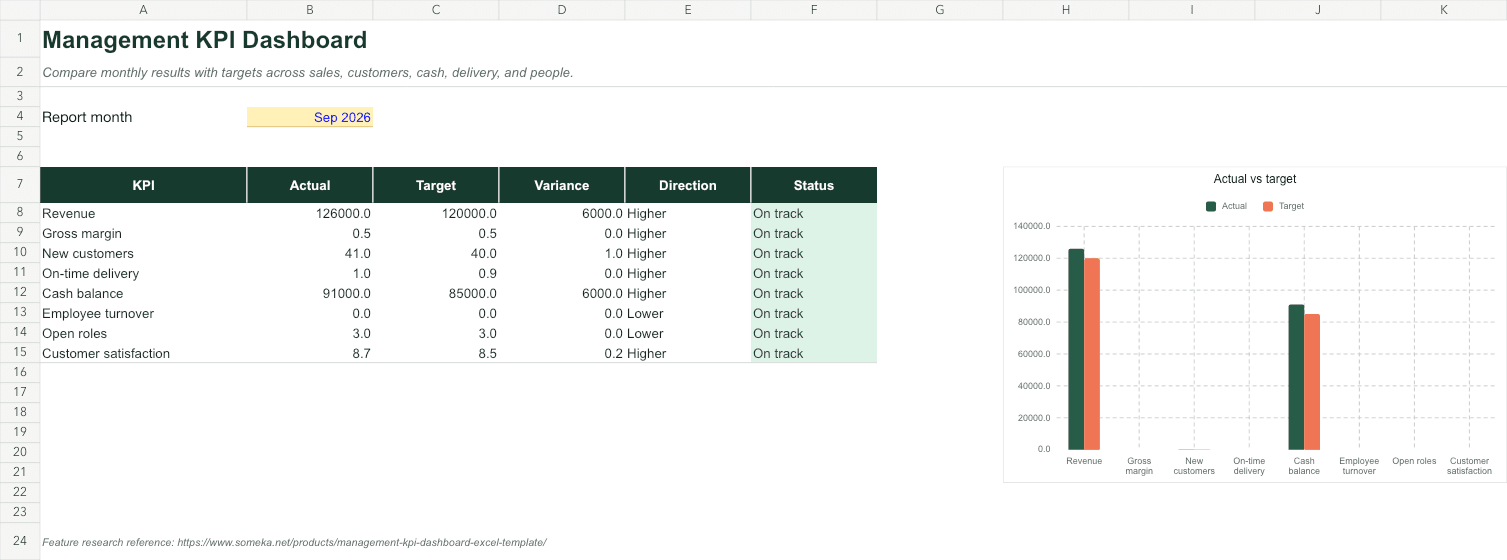
A polished spreadsheet can still be dangerous. If users cannot tell what to edit, formulas are easy to overwrite, or totals cannot be reconciled, the visual design is only camouflage.
GridMori workbooks follow a simple model: clear inputs, visible calculations, and outputs that answer a real operating question. Here is what that means in practice.
01
Inputs, calculations, and outputs need distinct jobs
A useful workbook separates the cells people maintain from the logic that transforms them and the views used for decisions. Those parts may live on different sheets or within clearly labeled regions, but their roles should never be ambiguous.
We use consistent input cues, plain-language instructions, and sample data that demonstrates the expected level of detail. Sample data should teach the model, not merely make a chart look full.
- Inputs are obvious and editable
- Calculations are traceable
- Outputs answer named questions
- Instructions sit close to the work
02
Formulas should be inspectable and boring
A dependable formula is usually easier to explain than a clever one. Structured references, helper columns, and reconciliation totals make a workbook easier to audit and extend.
We avoid hiding errors with blanket IFERROR wrappers. If a lookup fails because a record is incomplete, the workbook should help the user find the incomplete record.
03
Dashboards should point to action
A dashboard earns its space when it changes a decision. Good examples include invoices that are overdue, stock below its reorder point, a project over budget, or a KPI below target.
Decorative charts add scanning cost without adding judgment. We prefer a few strong measures, direct labels, restrained color, and a clear path back to the source rows.
- Name the decision each metric supports
- Show exceptions before averages
- Use color for meaning
- Keep source detail reachable
04
Testing includes the messy cases
A template should be tested empty, with one record, with a full sample set, and with intentionally incomplete inputs. Date boundaries, blank lookups, duplicate names, negative values, and extended tables are common failure points.
We also review print areas, frozen panes, filters, data validation, number formats, and formula consistency. These details are not glamorous, but they determine whether a workbook survives real use.
Skip the blank-sheet setup
Explore the GridMori library
See the practical workbooks these principles produce—from people operations and projects to purchasing and finance.FAQ
Common questions
What makes a good Excel template?
A good template makes inputs obvious, uses traceable formulas, includes realistic instructions and sample data, surfaces exceptions, and remains understandable when users add or remove records.
Should formula cells be locked?
Locking can prevent accidental edits, but it can also make maintenance harder. Use it when the audience expects a controlled tool, and always make the protection approach clear.
Why include sample data in a spreadsheet template?
Realistic sample data demonstrates how much detail to enter, proves that formulas and charts work together, and gives users a safe pattern to replace with their own records.