How to Make a Project Timeline in Excel (Without Fighting the Spreadsheet)
A useful project timeline is more than colored cells. Here is the structure, formula logic, and weekly routine that keeps one honest.
GridMori field notes · Excel, explained
Practical guides for the people doing the work—planning projects, running operations, and making spreadsheets the team can trust.
Browse every field note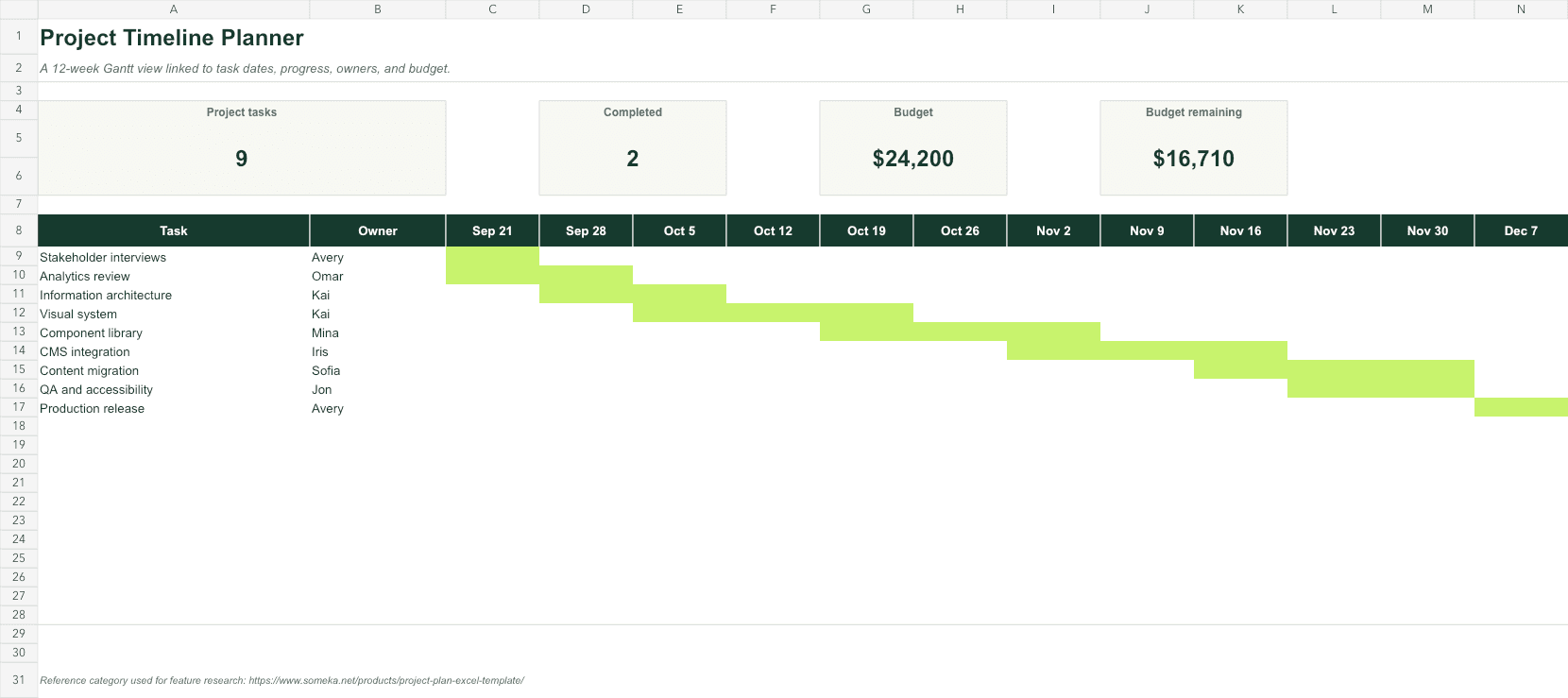 Featured field note
A useful project timeline is more than colored cells. Here is the structure, formula logic, and weekly routine that keeps one honest.
Read the guideBrowse the field notes
A useful project timeline is more than colored cells. Here is the structure, formula logic, and weekly routine that keeps one honest.
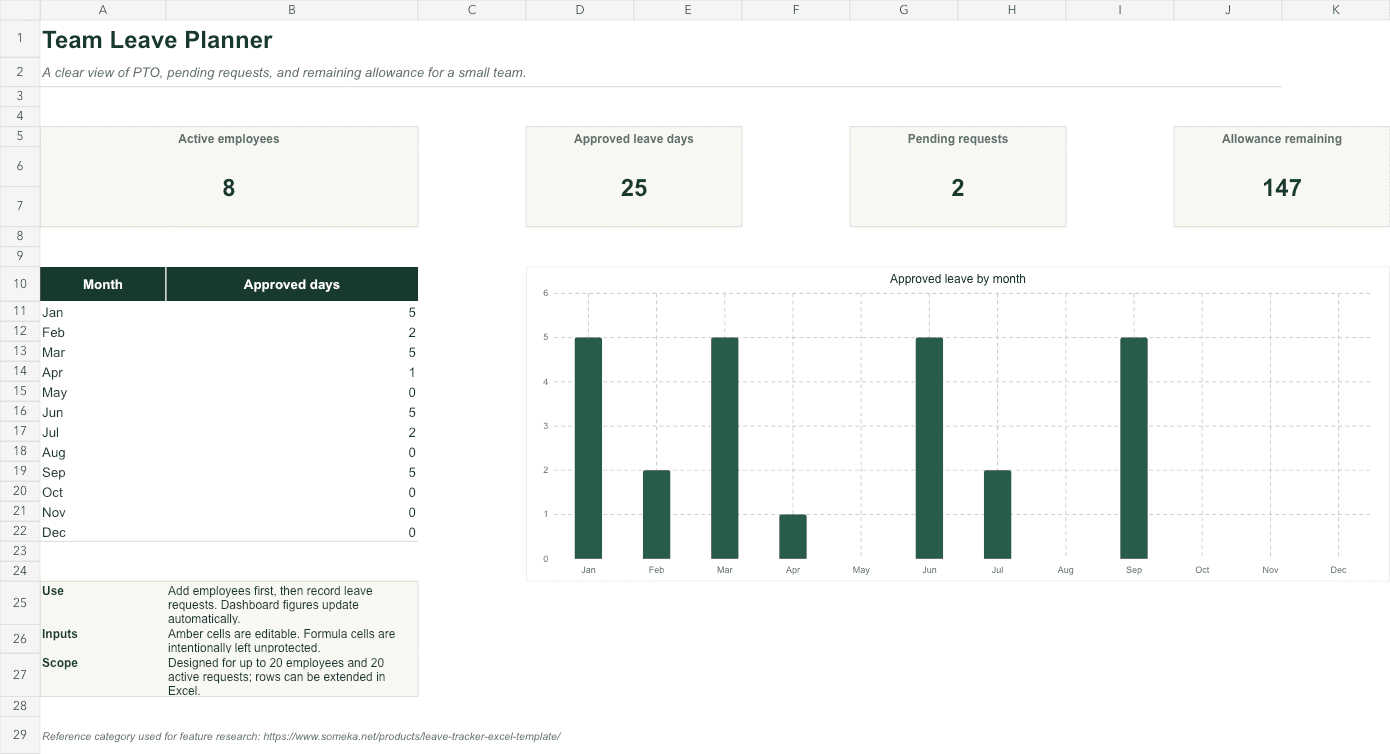
Track requests, working days, approvals, and balances in one small system—without turning the workbook into an HR maze.
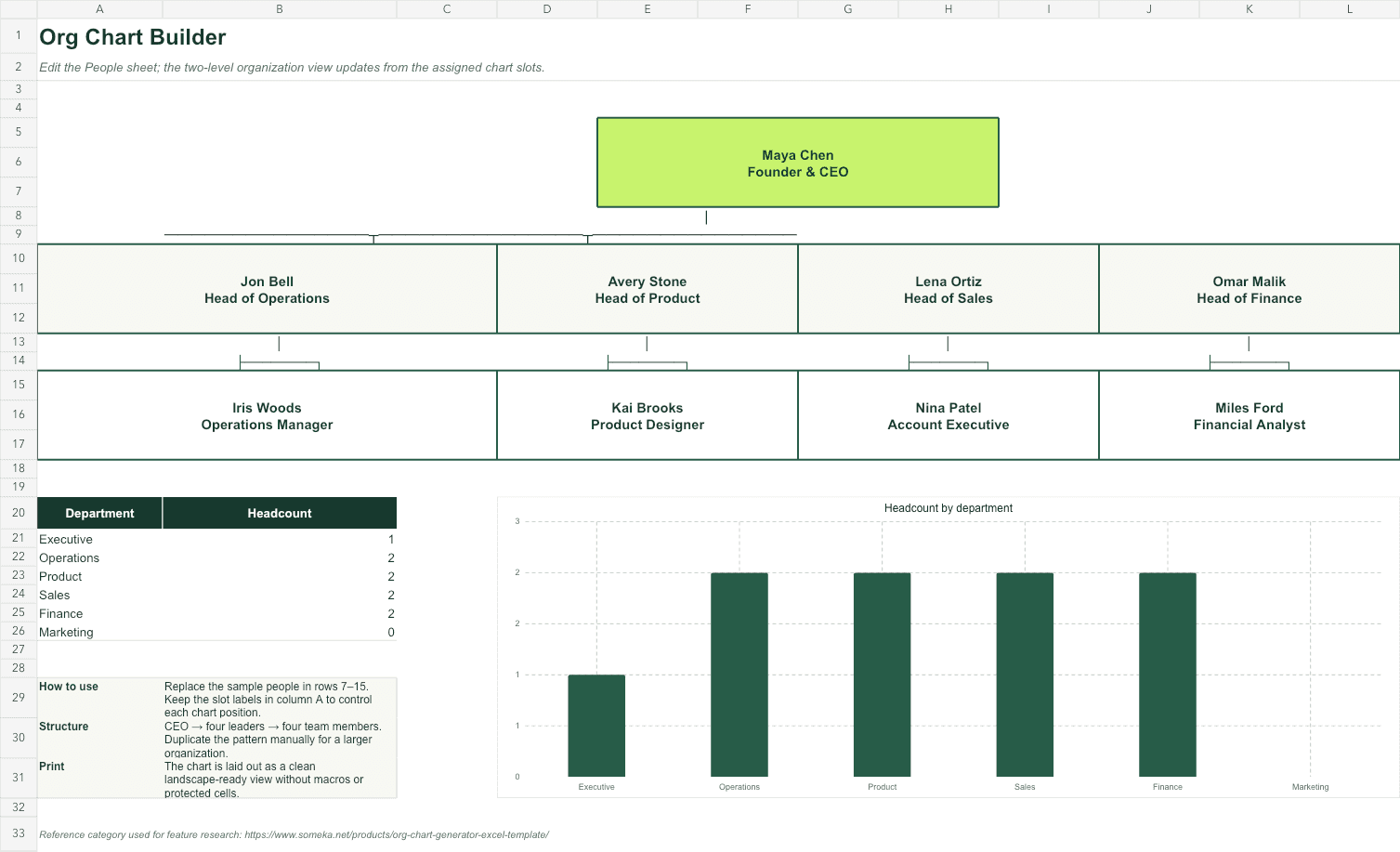
The useful part of an org chart is the people data beneath it. Build that cleanly and the diagram becomes easier to update and trust.
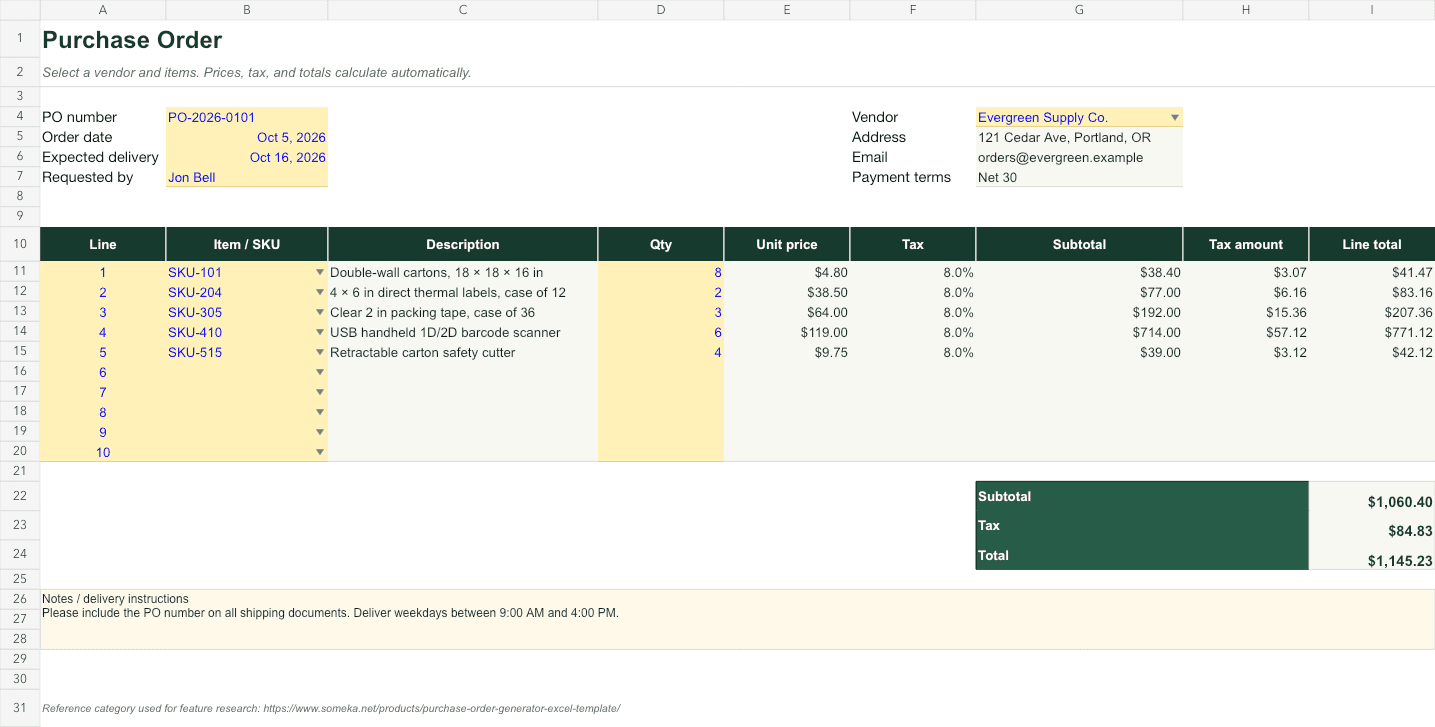
A purchase order is both a document and a control. Build the reusable data behind it and every new order becomes faster and safer.
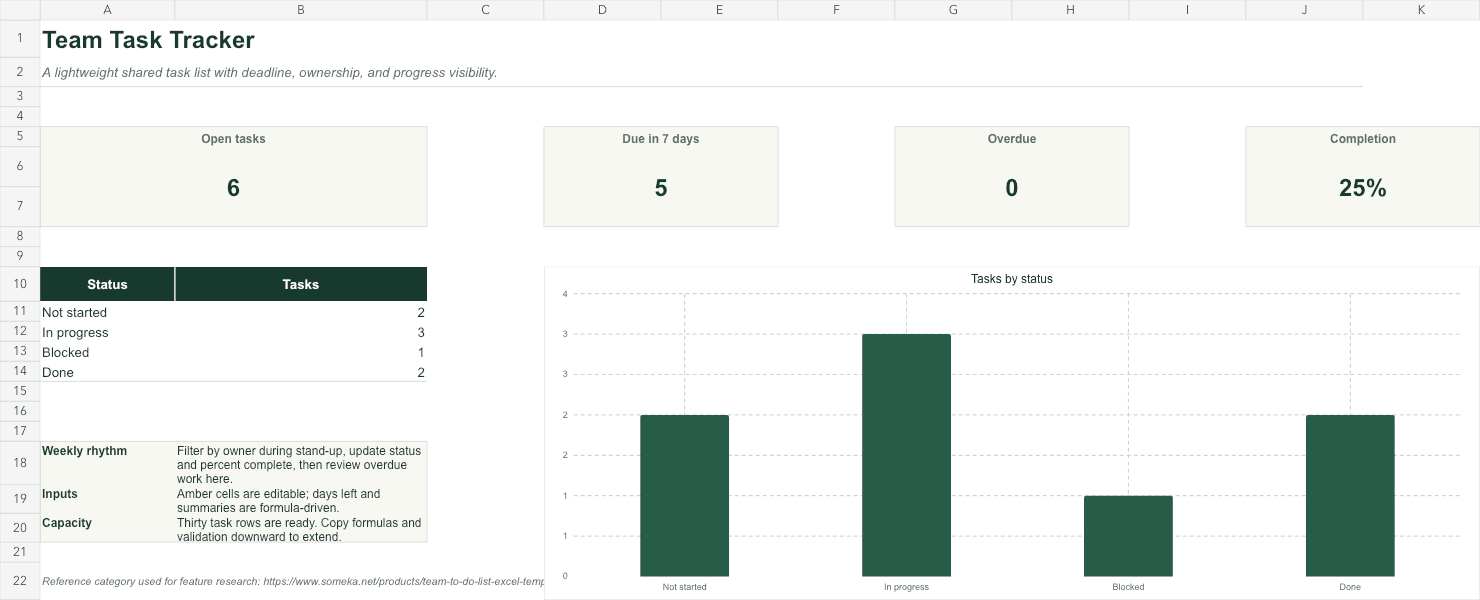
The best task tracker makes the next action obvious. Use fewer fields, consistent rules, and a dashboard that surfaces only what needs attention.
A template is not finished when it looks polished. It is finished when a new person can understand the inputs, trust the formulas, and recover from a mistake.
Less setup. More useful work.
Every GridMori template is formula-tested, clearly labeled, and ready for you to make your own.